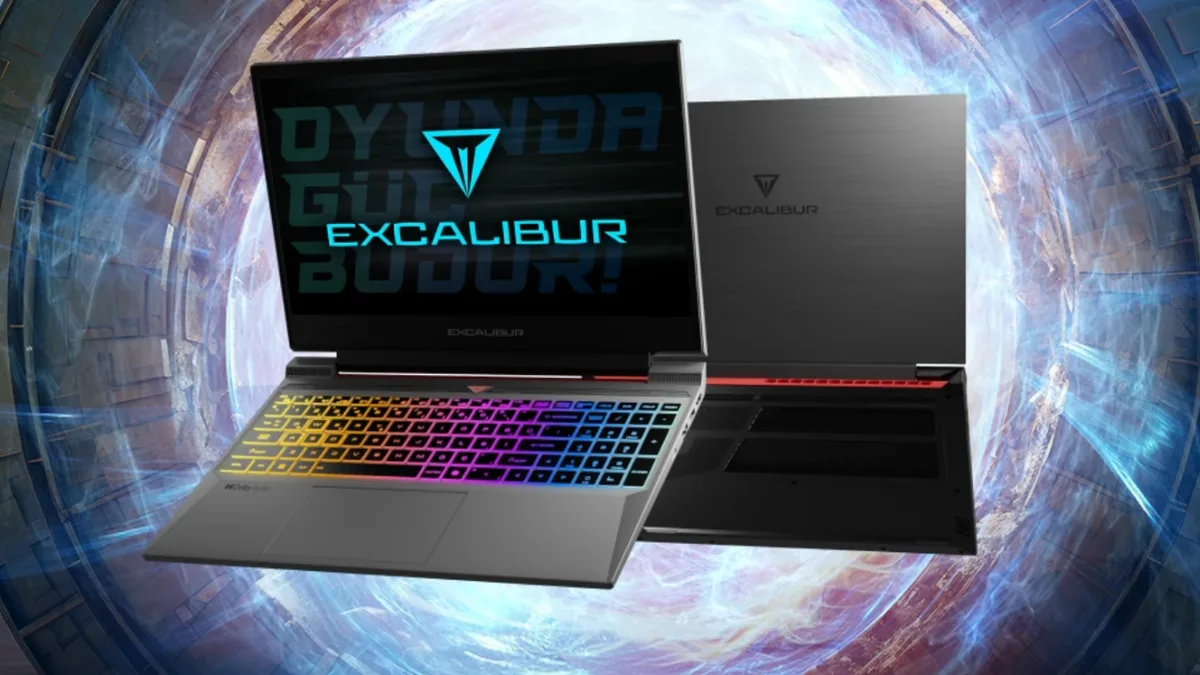

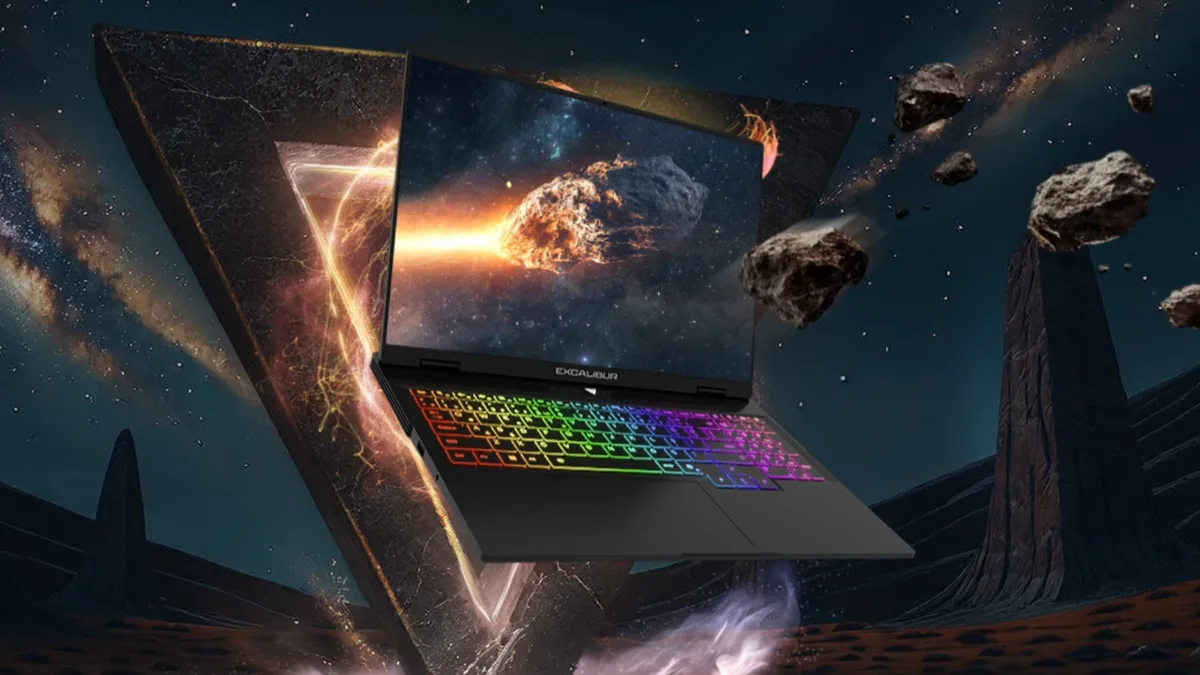
For anyone who wants to play current games smoothly without stretching their budget — while also handling coursework and workloads on a single machine — the Casper Excalibur G870 stands out as an interesting option. The Turkish brand's latest model pairs RTX 50-series graphics with 13th Gen Intel processors, and we took a closer look at what it delivers.
What Does the 50,000 TL Bracket Offer?
With a starting price of 52.091 TL (prices in Turkey), the G870 brings modern hardware to buyers on a tight budget. Its RTX 50-series graphics cards run at 115W with Dynamic Boost 2.0 support and come with the new Blackwell architecture along with AI-powered features like DLSS 4.5. That makes it possible to experience current games with solid graphics without paying flagship prices.
Is It Suitable for Students?
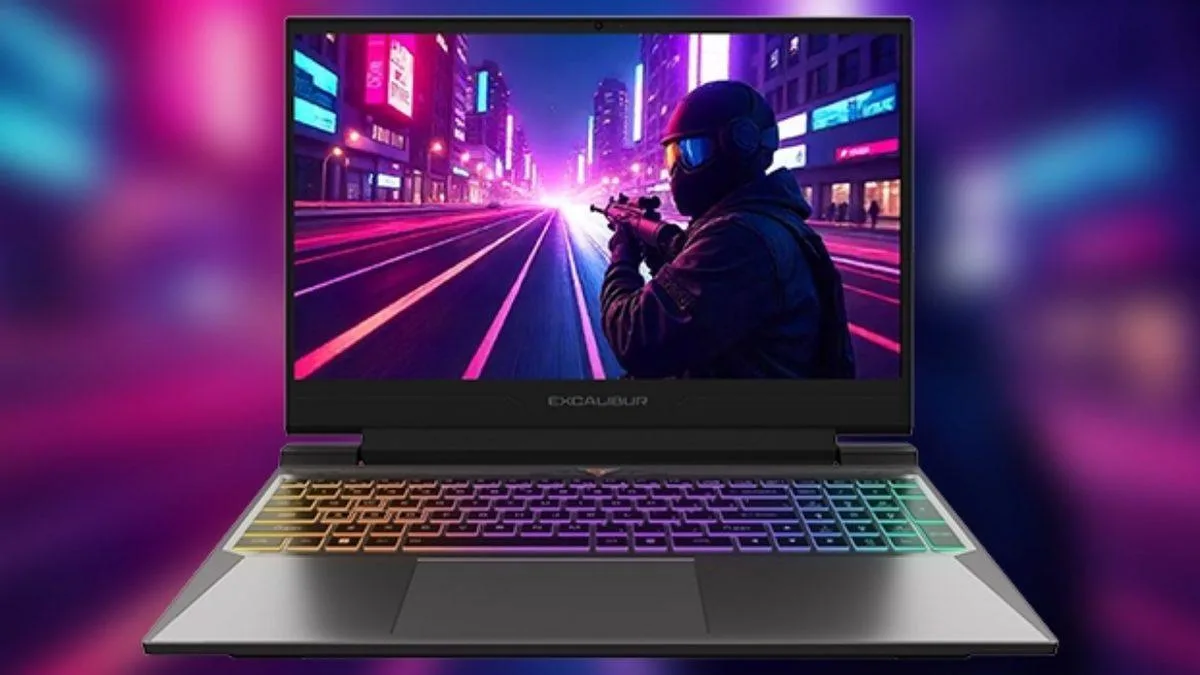
At 2.5 kg and 23.9 mm thick, the laptop is easy to carry between campus and the dorm. It can handle daytime note-taking and research, then open the door to esports titles in the evening on its 15.6-inch display with a 165 Hz refresh rate. The aluminum alloy chassis also inspires confidence against bumps in a backpack.
Everyday Tasks and Light Productivity
With 10-core Intel processors, the G870 is versatile enough for office and design work as well. DDR5 4800MHz RAM support and a PCIe 4.0 SSD with read speeds of up to 6400 MB/s mean no stuttering even with large files open in the background. A dedicated Copilot key on the keyboard speeds up workflows with instant access to the virtual assistant.
What Do Users Say?

User experiences and creator tests suggest the machine delivers on its promises in daily use. Tech reviewer Mert Bayantemur, who tested the RTX 5070 configuration, notes that the model handles demanding work such as rendering and design without strain, alongside current games. Mete Özbey of Easter GamersTv highlights the fluidity in games, saying the overall performance is extremely successful.
Hardware and Performance Specs
| Component | G870 Technical Details |
|---|---|
| Processor (CPU) | 13th Gen Intel® Core™ i7 13620H, Series 2 Core™ 7 240H, Series 2 Core™ 7 230H |
| Graphics (GPU) | NVIDIA® GeForce® RTX 5070, RTX 5060, RTX 5050, RTX 4050, RTX 3050 |
| Display | 15.6" FHD IPS, 165Hz refresh rate, 3 ms response time, 250 NIT, anti-glare |
| Memory (RAM) | Up to 64GB DDR4 or DDR5 (4800MHz) support |
| Storage (SSD) | Up to 2TB M.2 SSD PCIe 4.0 (dual NVMe slot support) |
| Cooling | 2x FrostFlux fans (5400 RPM), 89 fan blades |
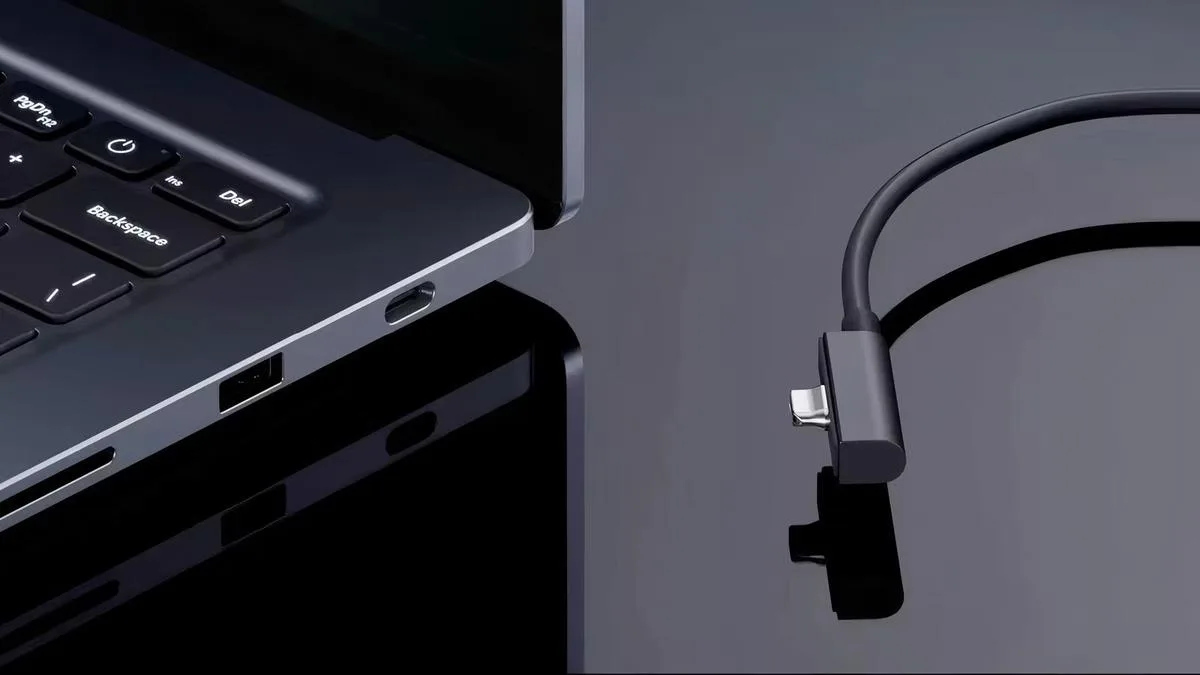
| Ports | 3x USB 3.2 Type-A, 1x USB 3.2 Type-C, 1x HDMI, 1x RJ45 Ethernet |
| Weight and Thickness | 2.5 kg weight / 23.9 mm thickness |
Is the Display Good Enough for Competitive Games?
Yes. Thanks to the 165 Hz refresh rate and 3-millisecond response time, fast-paced competitive games can be followed smoothly and without lag, with all the detail intact.
Does It Overheat During Long Gaming Sessions?
The laptop ships with two FrostFlux fans running at 5400 RPM and 89 fan blades. This "twin fan" cooling setup keeps temperatures under control even during long gaming marathons.
What Does the MUX Switch Do?
MUX Switch technology allows direct switching between the integrated and discrete graphics units. In graphics-heavy games, the image is taken directly from the discrete GPU, bypassing the power-saving integrated GPU entirely.
Is the RGB Keyboard Customizable?
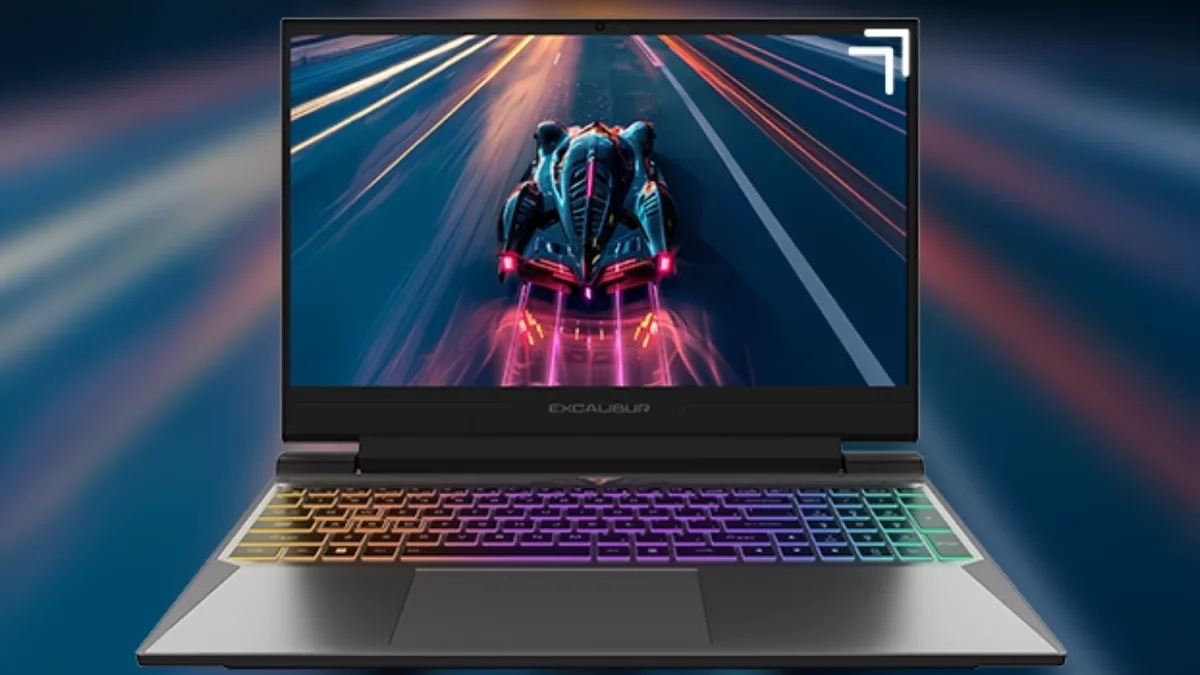
The RGB keyboard features three-zone lighting with a total of 65.026 different color options and 6 different modes, so the laptop's look can be shaped entirely to the user's taste.
Who Is It Not For?
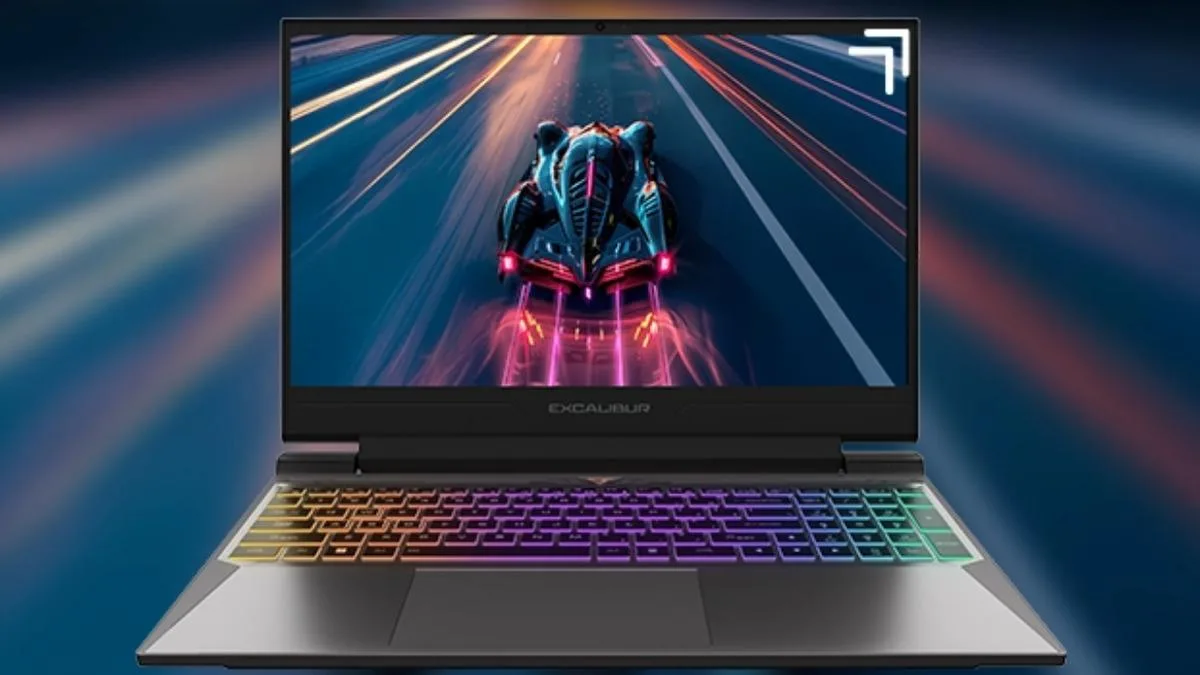
Editors or photographers who do professional color work outdoors in strong sunlight may not find the G870 ideal. Its display, at 250 NIT brightness and 45% color saturation, is focused on indoor gaming and standard office use. And while 2.5 kg is light for a gaming laptop, users used to ultra-light ultrabooks that carry nothing but a notebook in their bag may find it a touch heavy.
Comments (0)
No comments yet. Be the first!