

Last updated: October 22, 2026
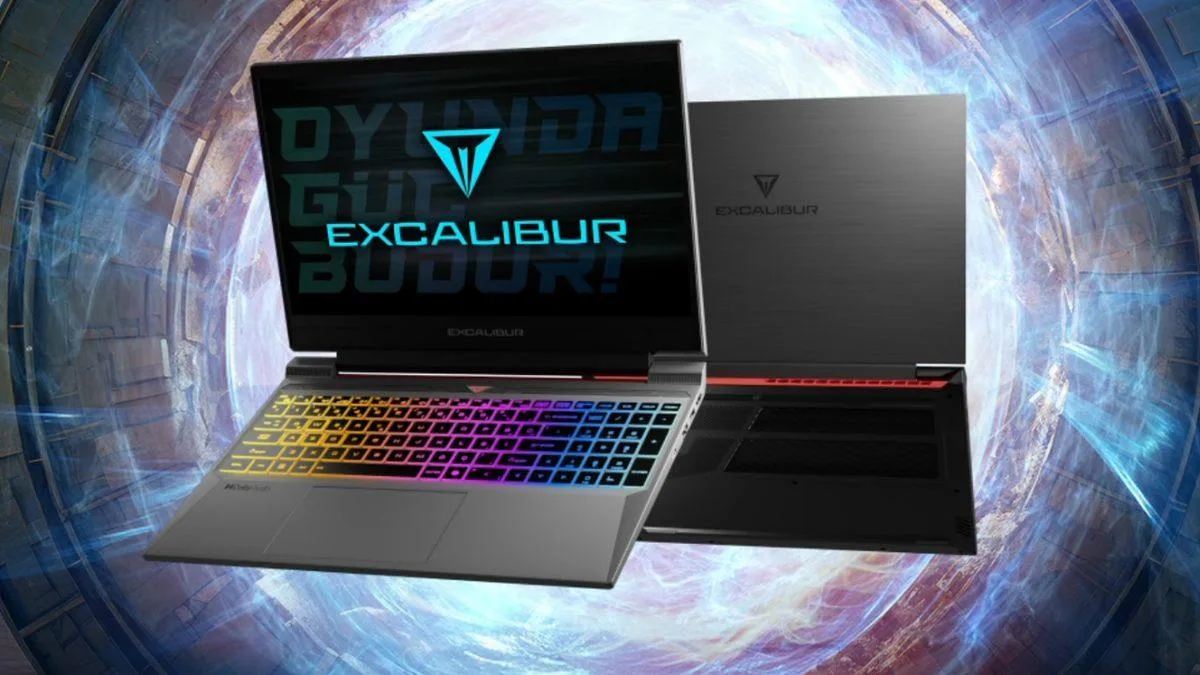
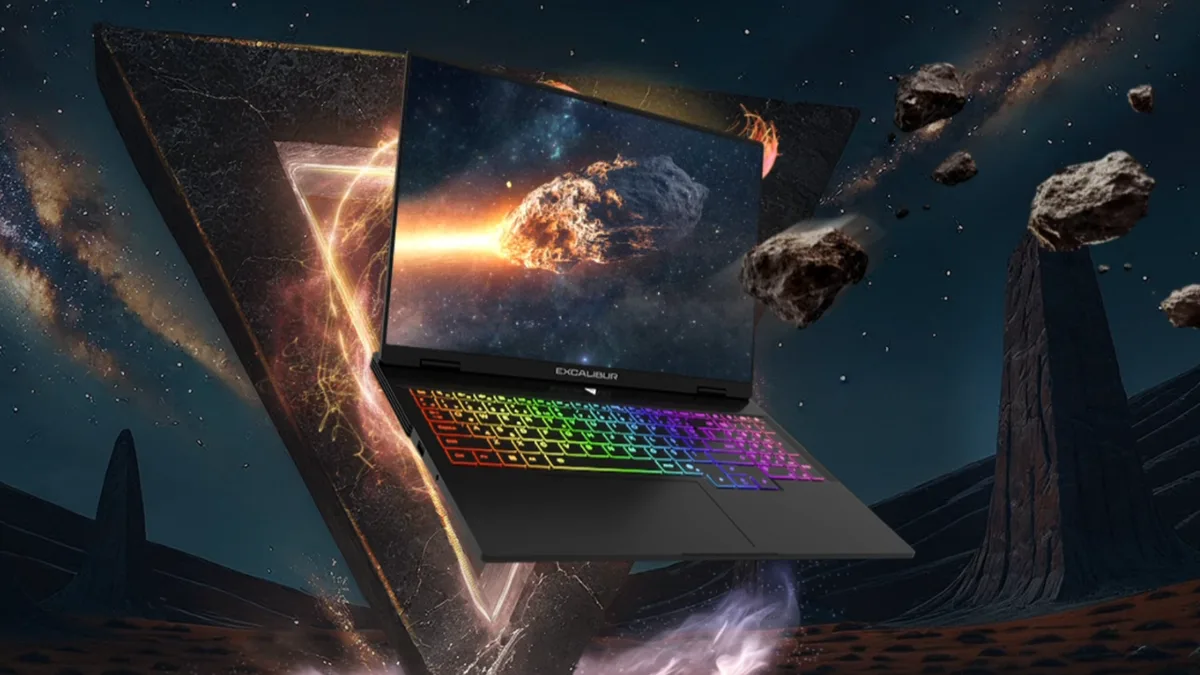
Casper's Excalibur G870, the 15.6-inch member of the series, is aimed squarely at people who are a gamer and a student (or an employee) at the same time. The starting price is 57.406 TL in Turkey. Inside, you can pick an RTX 5050, 5060 or 5070; in front of you sits a panel with a 165 Hz refresh rate. The 2.5 kg chassis is reasonable for hauling between campus and the dorm, and two RAM slots plus two SSD slots keep the upgrade door open. The official site has gathered 37 reviews, averaging 4.97 out of 5.
Price lands in the 55–65 thousand TL band
The listed starting price on the product page is 57.406 TL — so if you are shopping in the 55–65 thousand TL range in Turkey, this model does not fall off your list. What you actually pay depends on the hardware configuration you choose. Installment plans of up to 12 months are available with partner credit cards.
What you get: power, speed and a bonus subscription
There is a combination that is rare at this price point: an RTX 50-series GPU, DDR5 memory support and a 165 Hz display. Across the 5050, 5060 and 5070 options, GPU power is capped at 115W with Dynamic Boost 2.0 in play. On top of that, a 1-month PC Game Pass is bundled in, granting access to more than 100 games.
Casper Excalibur G870 specifications:
| Spec | Casper Excalibur G870 |
|---|---|
| Price | Starting at 57.406 TL instead of 59.798 TL (4% off) |
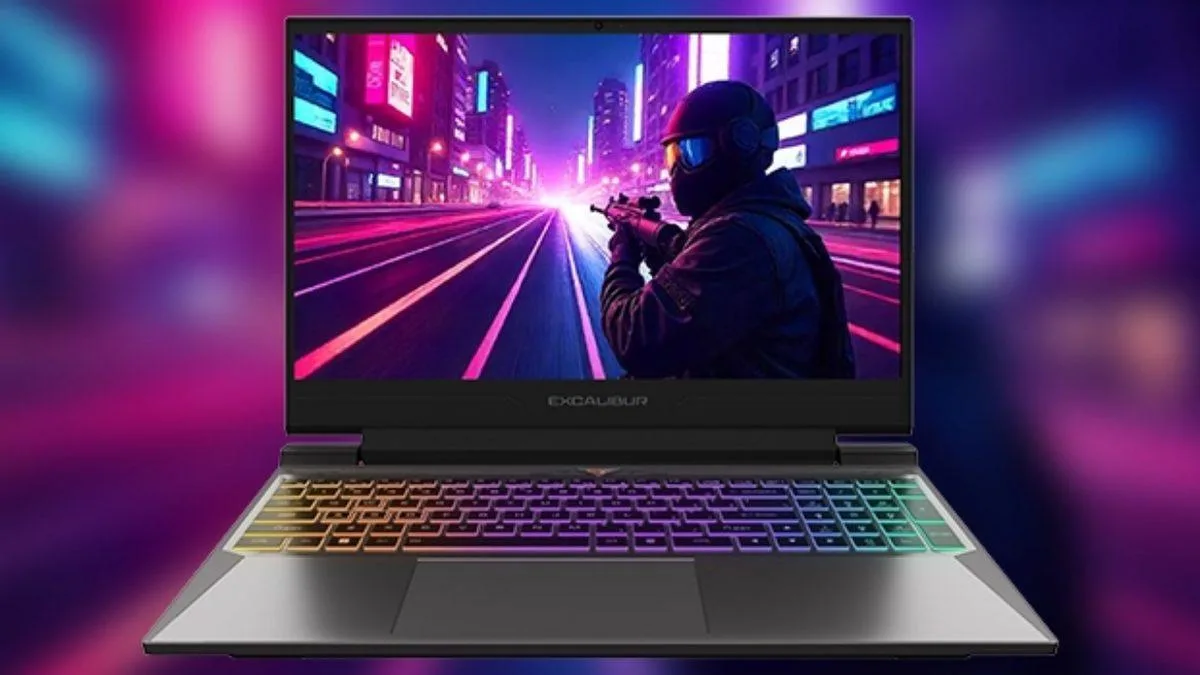
| Display | 15.6" FHD IPS, 165 Hz, 3 ms, 250 nits, anti-glare |
| CPU options | Series 2 Intel Core 7 240H, Series 2 Intel Core 7 230H, 13th Gen Intel Core i7 13620H |
| RAM | 2 SODIMM slots, up to 64 GB (DDR5 and DDR4 options) |
| Storage | 2 M.2 NVMe slots, PCIe 4.0 SSD options (from 500 GB up to 2 TB + 2 TB) |
| Chassis | Aluminum alloy, 2.5 kg, 23.9 mm |
| Battery / adapter | 61.53 Wh, 180W adapter |
| Warranty | 24 months |
Five routes on the graphics side
The model is not sold with a single GPU; five different options are offered. That makes it important to check which hardware is being discussed when you read reviews or watch promo videos. In the videos on the product page, the RTX 5070 configuration is described as running all games and handling rendering and design work without breaking a sweat.
| Graphics card | Memory | Note |
|---|---|---|
| NVIDIA GeForce RTX 5070 | 8 GB GDDR7, 128-bit | 115W, Dynamic Boost 2.0 |
| NVIDIA GeForce RTX 5060 | 8 GB GDDR7, 128-bit | 115W, Dynamic Boost 2.0 |
| NVIDIA GeForce RTX 5050 | 8 GB GDDR7, 128-bit | 115W, Dynamic Boost 2.0 |
| NVIDIA GeForce RTX 4050 | 6 GB GDDR6, 96-bit | Alternative option |
| NVIDIA GeForce RTX 3050 | 6 GB GDDR6, 96-bit | Alternative option |
Medium settings and cooling
The foundations for smooth gameplay at medium graphics settings are in place: the panel delivers its 165 Hz refresh rate with a 3 ms response time, and the RTX 50-series options support DLSS 4.5. What FPS you actually get depends on the game and the chosen hardware. Casper recommends looking at average FPS values and, for full performance, running the device in performance mode while plugged in.

Heat management falls to two FrostFlux fans spinning at 5,400 RPM with a total of 89 fan blades. A MUX Switch is also on board: during gaming the discrete GPU takes over, while everyday use switches to integrated graphics to save energy. Comments on cooling are largely positive; fan noise, however, is not judged the same way by everyone.
Does it cut it on a student's desk?
The design is built around juggling classes and gaming at once. If your dorm needs wired internet, an RJ45 port does the job; there is HDMI for an external monitor, and USB-C supports charging of up to 100W while you stay plugged in.
| Your need | What the device offers |
|---|---|
| Carrying to campus and the dorm | 2.5 kg, 23.9 mm, aluminum alloy body |
| Online classes and video calls | 1080p FHD camera, Dolby Audio 2W x 2 stereo speakers |
| Dorm internet | Intel Wi-Fi 6 AX201, RJ45 port, Bluetooth 5.2 |
| Extra monitor and charging | 1 HDMI, 1 USB-C (charging up to 100W), 3 USB-A |
| Homework, presentations, multitasking | 10-core CPU option, DDR5 RAM, PCIe 4.0 SSD, Copilot key |
| Evening gaming | RTX 50-series options, DLSS 4.5, 165 Hz display |
The everyday side holds up too. The headline processor has 10 cores, 24 MB of cache and a turbo speed of up to 4.90 GHz. DDR5 memory speeds up multitasking, while the PCIe 4.0 SSD accelerates app installs. Among the reviews is one from a user who develops games on the device.
Thinking long term? These tips will help
No laptop comes with a guaranteed lifespan, but upgradeability is a real plus here. RAM and storage can be expanded later, and there is a 24-month warranty to boot. Some reviewers say they have used the device for around 2 years and are happy with it. For longevity, consider these steps:
- If the budget allows, go for the RTX 50 series because of DLSS 4.5 support.
- Choose DDR5 memory and fill the empty slot later (the ceiling is 64 GB).
- When storage runs tight, add a new SSD to the second M.2 slot.
- Keep in mind the recommended Lifetime Performance Maintenance service once a year; the first service is free.
What are users saying?
The average of the 37 reviews on the official site stands at 4.97 out of 5 as of October 14, 2026. Praise centers on gaming performance, the hardware for the price, and cooling. Fan noise is the most debated topic.
| Topic | What the comments say |
|---|---|
| Gaming performance | M B (18.09.2026): gets high performance even in current games |
| Long-term use | N A (16.09.2026): has used it for about 2 years and is very satisfied |
| Cooling and fan noise | N Ç (07.07.2026): uses it for game development and play, finds cooling good, and rates the fan noise as quiet compared to similar hardware |
| Price/performance | A S (26.03.2025): a good device for the price, no regrets, recommends it |
| Family use | E S (30.08.2025): bought it for their son, exceeded expectations |
| Fan noise | T G (11.10.2024): "its only problem is the fan noise, but I'm happy" |
Opinions do not all point one way. Complaint platforms also carry posts about fan noise, heating and service processes. Casper's own support page openly states that Excalibur fans may make somewhat more noise than other notebooks. In return, those who recommend it cite three common reasons: strong hardware for the price, smooth gaming, and satisfaction with cooling. Customization options, a widespread authorized service network, fast delivery and attentive store service are also listed as pluses.
Frequently Asked Questions
Should the device stay plugged in all the time?
Casper positions the Excalibur as a performance device and recommends using it plugged in for maximum output. According to the company, this does not negatively affect battery life. The battery is 61.53 Wh and the adapter is 180W.
Does swapping RAM or SSD void the warranty?
According to Casper, the warranty remains valid as long as the device is not damaged during the process; however, parts added later fall outside the company's warranty. Asking an authorized service is the recommended route.
Is fan noise a problem?
Excalibur models use larger fans with more blades. As fan speed rises, slightly more noise can be heard compared to other notebooks; the goal is intense cooling and sustained performance.
Which operating system options are there?
You can choose Windows 11 Pro, Windows 11 Home Single Language or FreeDOS. If you pick FreeDOS, you need to buy the Windows license separately.
For whom is it an advantage — and for whom overkill?
If you only want to browse the web, do office work and watch movies, this much power will be overkill. If you work in quiet environments and are sensitive to fan noise, factor in the mixed picture in the reviews. Professionals for whom color accuracy is critical should also weigh the 250-nit brightness and 45% color gamut figures.
Bottom line: should you buy it?
For those who want to combine gaming and everyday work in one machine, the G870 is a strong candidate. The RTX 50-series options, the 165 Hz panel and the 2 RAM + 2 SSD slots cover both today and tomorrow. The reviews on the official site confirm satisfaction on the price and performance front. If you start out knowing about the fan noise and the plug-in dependency, choosing the right configuration for you becomes easy.



Comments (0)
No comments yet. Be the first!