

Apple has brought back a detail it removed years ago and users never stopped missing: the glowing logo on the back of the lid. The new MacBook Pro with the ProLED XDR display arrives with this nostalgic touch. Not everyone wants the light on all the time, though — in a dark room or during a quiet meeting, it can be distracting.
The good news is that, although it's not widely known, the light can be switched off completely.
What controls the glowing logo?
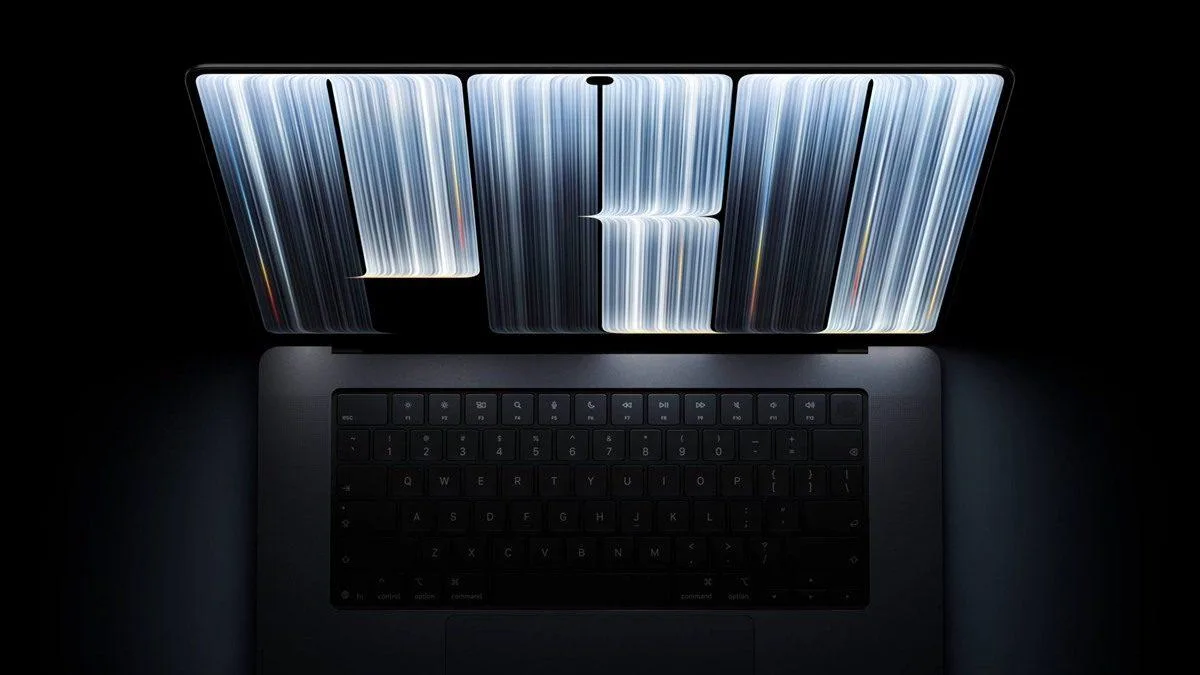
As long as the MacBook Pro isn't in sleep mode and is actively in use, the logo on the lid stays lit. The system continuously monitors both screen brightness and the ambient light in the room and adjusts the logo automatically, so users never have to fiddle with any settings.
This means you won't dazzle the people sitting across from you at night. When the surroundings get dark, the logo automatically dims its brightness, while next to a sunny window it appears far more vivid and bright.
How to turn off the logo light: Terminal

It is possible to switch the light off, but there's no ready-made toggle in System Settings. Instead, you'll need to use the Terminal app. You can open Terminal via Applications > Utilities or by searching for it with Spotlight. Once the app is open, paste the following command and press Enter:
sudo defaults write com.apple.CoreBrightness LEBacklightMode -int 0
The system will ask for your password. Type it in and press Enter — even though no characters appear on screen as you type, that's normal; Terminal hides passwords this way. Immediately after confirmation, the logo light goes out.
There's one thing to keep in mind: this setting doesn't just affect your own user account. Other accounts on the device will also see the logo switched off, and the preference is preserved when you migrate your data to a new Mac. If you want the light back, simply run this command:
sudo defaults delete com.apple.CoreBrightness LEBacklightMode
Also, if you perform a clean install of macOS on the device, the logo light returns to its default setting and starts glowing again on its own.
Comments (0)
No comments yet. Be the first!