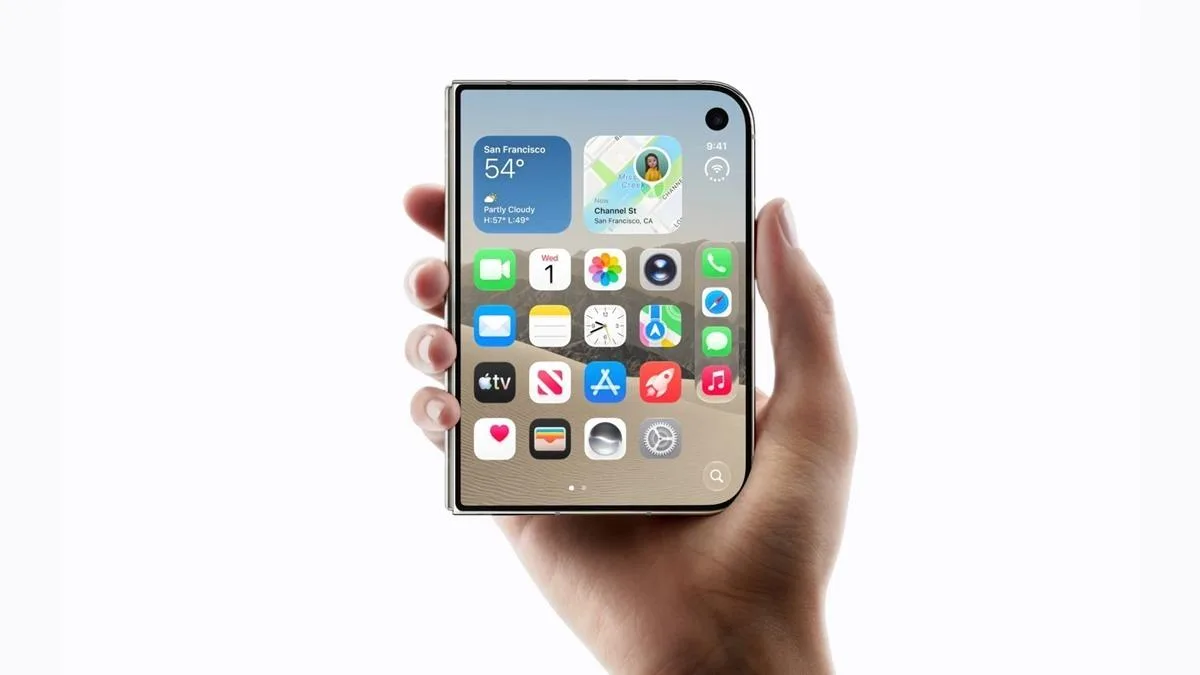

Apple's first foldable, the iPhone Duo, has arrived with a surprising software limitation. Owners who want to change the size of text and icons after completing the initial setup are left with just one workaround: wiping the phone and restoring it to factory settings.
The look you pick at setup is locked in
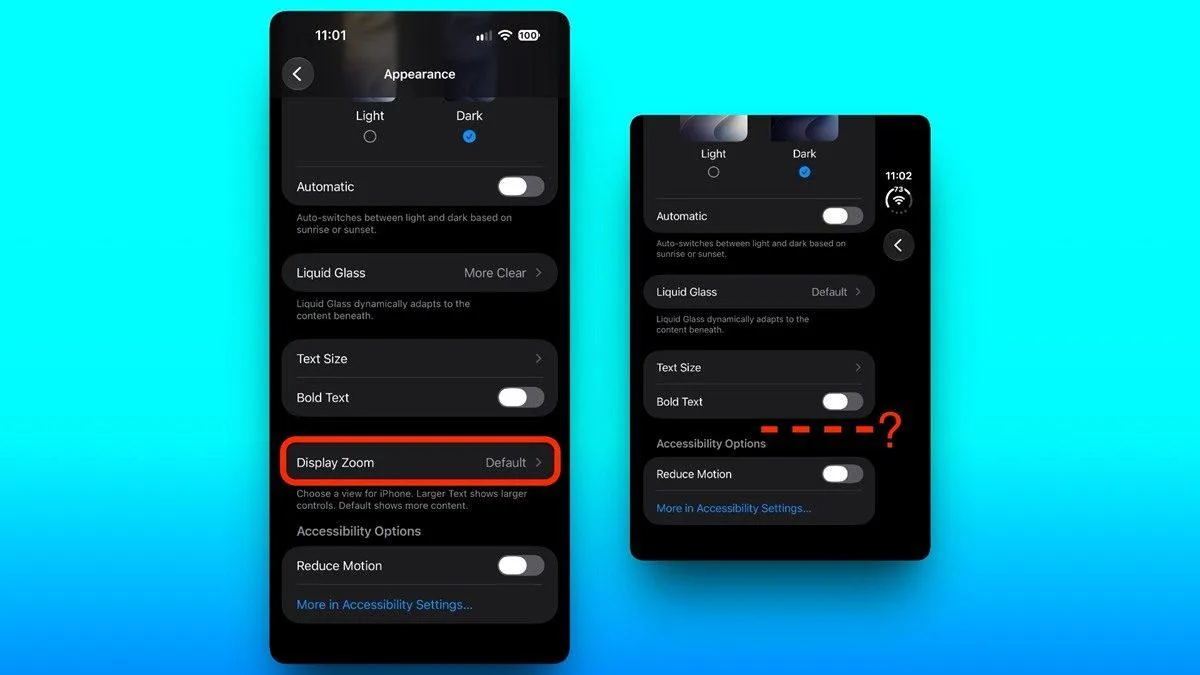
During the iPhone Duo's initial setup, users are offered three options under the "Appearance" heading: Standard, Medium, and Large. These choices determine the size of on-screen text and system icons.
On standard iPhone models, this setting can be changed at any time via the "Display Zoom" option in the Settings menu. On the iPhone Duo, however, that menu disappears the moment setup is complete — and it never comes back.
Apple Support confirms the limitation
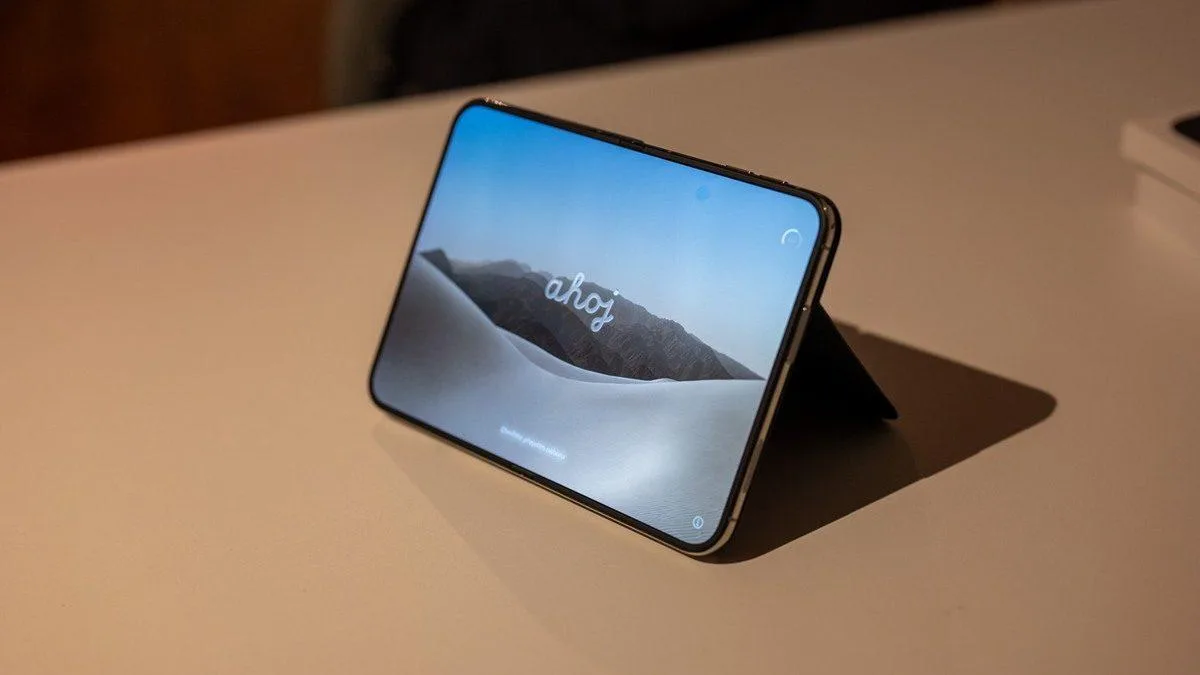
After complaints began on Reddit and spread across social media, one user reached out to Apple Support. A senior advisor confirmed that the system contains no menu or button for changing the scaling after the initial appearance choice. To see the appearance options again, all content and settings on the device must be erased and the phone set up from scratch.
Testing on the current release, iOS 27.2, also confirmed that the Display Zoom setting is absent from the menu.
Bug or deliberate design choice?
The fact that the issue is unique to the foldable model raises the possibility of a deliberate design decision stemming from the dynamics of the foldable display. That said, the possibility of a simple software bug has not been ruled out either.
Apple has not issued an official statement on the matter. Whether the Display Zoom setting will return in a future update remains unclear for now.
Comments (0)
No comments yet. Be the first!