

Google is adding a user-friendly new capability to its Gemini AI assistant: "Memory Summary". The feature gives users a single screen where they can review everything the chatbot has committed to memory about them.
And it goes beyond simply looking back. Users can edit the details Gemini has stored about them, add new information, or wipe unwanted records entirely.
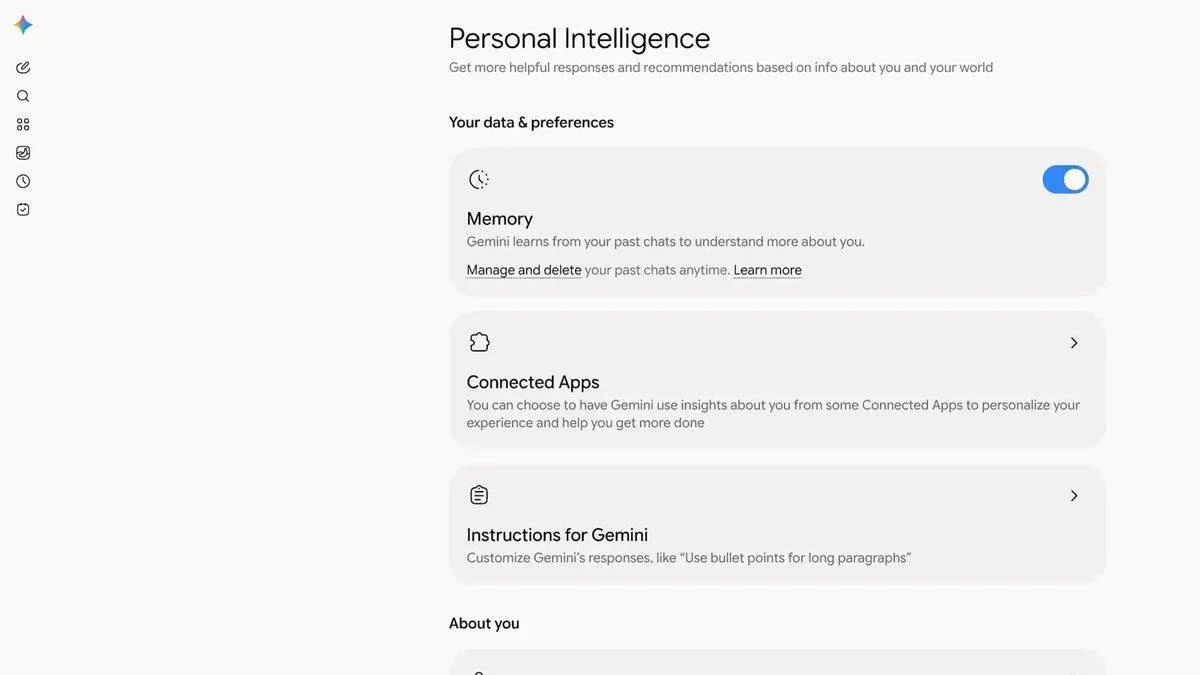
Memories, sorted into categories
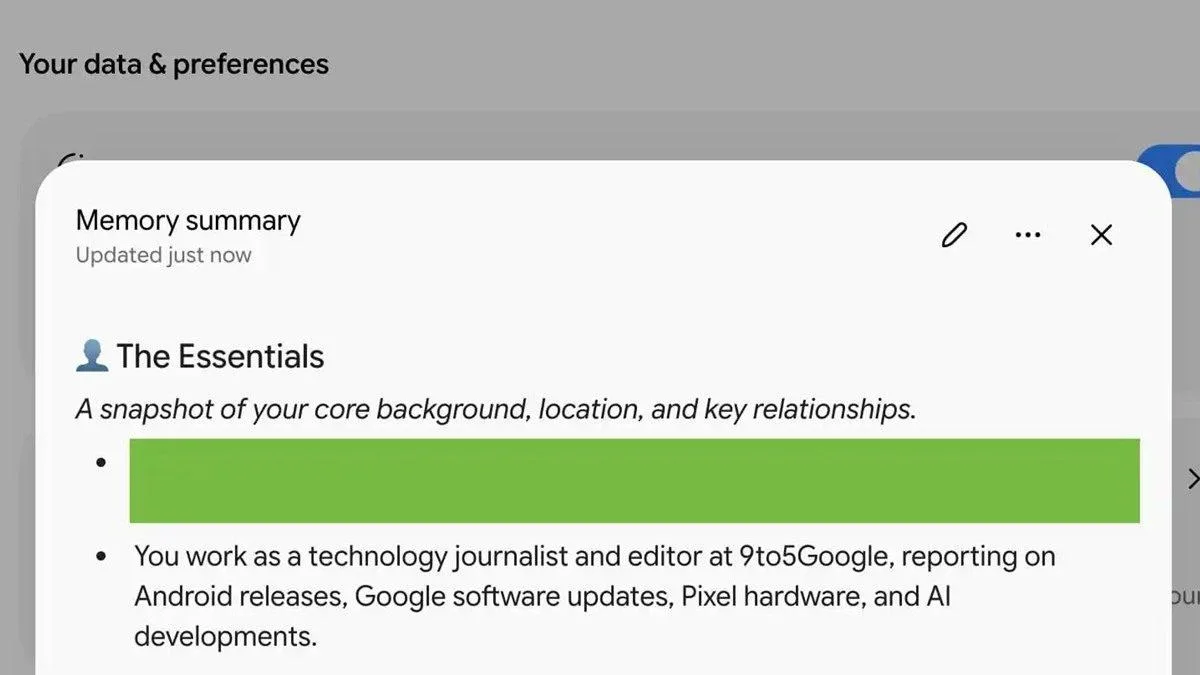
On the web version, Memory Summary is reached via Settings > Personal Intelligence, and presents saved information under tidy headings. The "Basic Information" section stands out, holding summary details about your background, location and people close to you.
Other categories include "Career and Professional Projects", "Travel and Daily Gear", "Media and Entertainment" and "Fitness and Lifestyle". Under each heading, bullet points list the details Gemini has learned about you specifically.
Managing memory with commands
Intervening in Gemini's memory is straightforward thanks to the text field at the bottom of the page. Users can issue commands such as "Add to my memory that I know Japanese" or "Delete my old phone number from your memory".
Google notes that when an instruction isn't clear enough, Gemini may ask follow-up questions to keep things accurate. A pencil icon in the top-right corner opens the door to more extensive edits, while the "Memory history" option in the three-dot menu shows when information was added or changed.
Who can use it for now?
Availability is currently limited: only Google AI subscribers who use English and have both the "Keep Activity" and "Memory" settings enabled can see the feature.
Memory Summary is not yet live in the Android and iOS apps, but the mobile experience is expected to be designed along similar lines to the web version.





Comments (0)
No comments yet. Be the first!