
Last updated: November 16, 2026
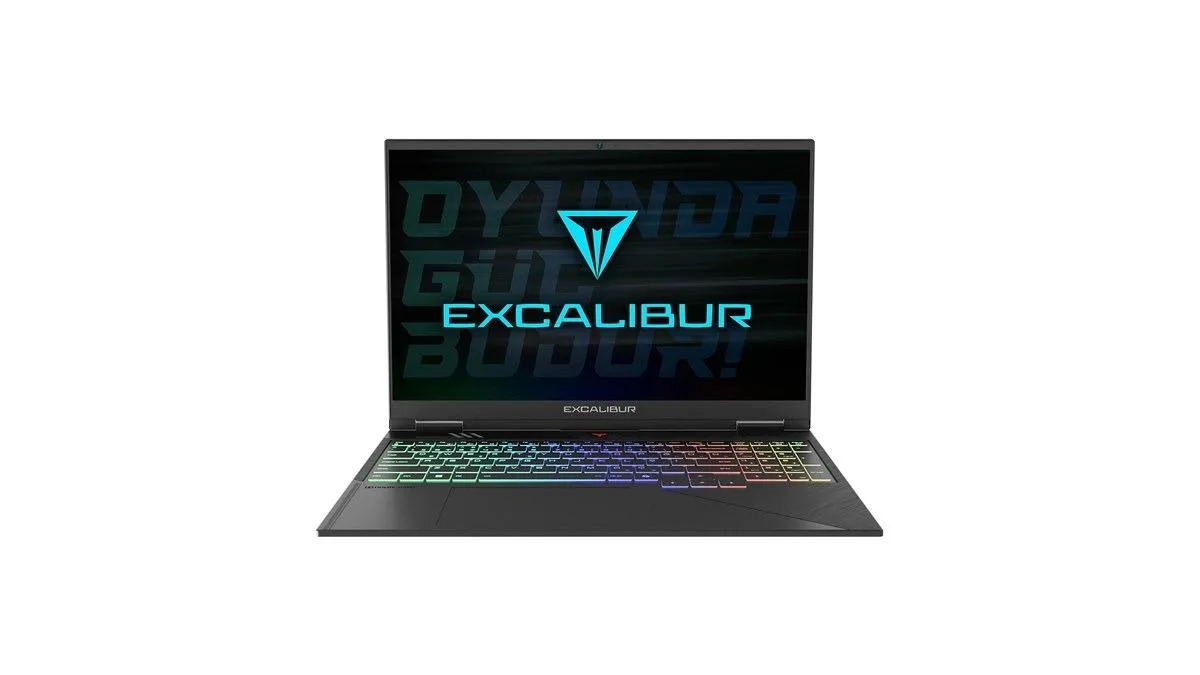
“How many hours does this thing last unplugged?” is the first question anyone researching the Casper Excalibur G920 asks. Casper doesn't publish a figure in hours. The reasoning is straightforward: the Excalibur family is designed as a gaming machine that delivers full power only when plugged in. Still, there's plenty worth knowing about the battery side, and this guide covers all of it.
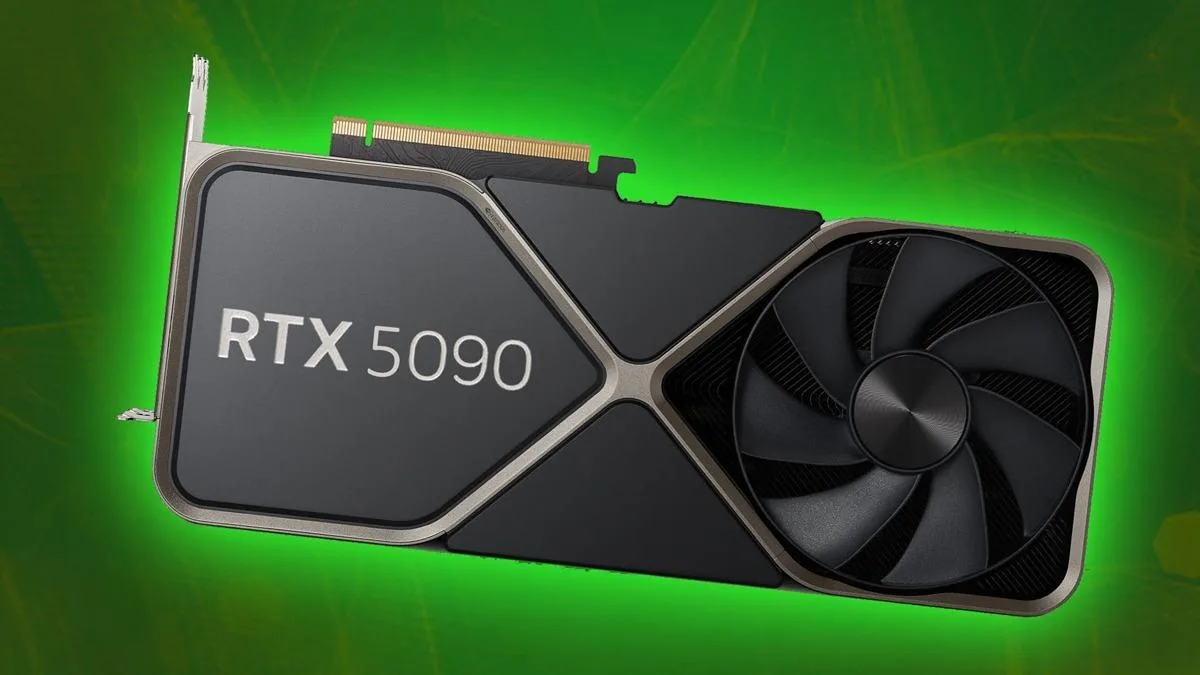
The hardware picture is ambitious: a 24-core Intel Core i9-14900HX, an RTX 5090 or RTX 5080 that can reach 175 W thanks to Dynamic Boost 2.0, an RTX 5070 Ti running at 140 W, a 300 Hz QHD panel and 12V FrostFlux cooling. A 1-month PC Game Pass subscription comes in the box, and the warranty is stated as 24 months.
Battery capacity and use without a charger
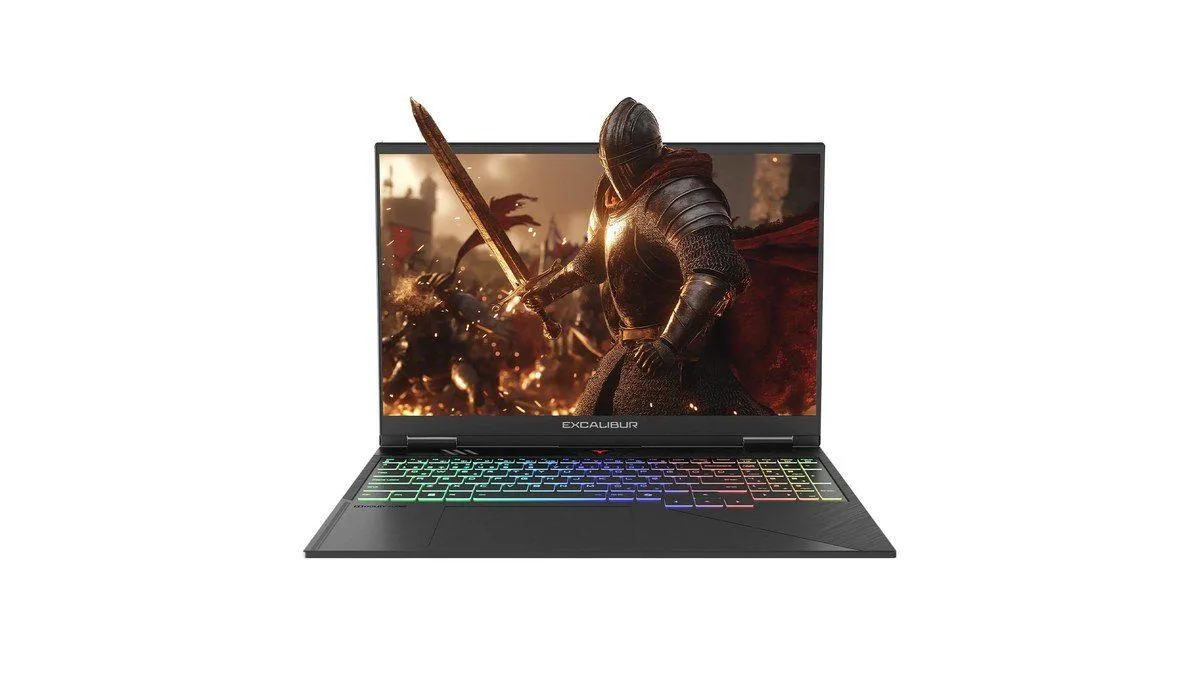
The power source is a four-cell Li-ion smart battery with 63.05 Whr capacity and 4170 mAh. On its support page, Casper notes that full efficiency is only achieved when running on the adapter, while stressing that plugged-in use does not wear the battery down. Away from the wall, the battery is ready for light tasks like web browsing, homework and note-taking. For heavy gaming sessions, however, the 330 W adapter must be plugged in.
| Detail | Excalibur G920 |
|---|---|
| Battery | 4-cell, 63.05 Whr, 4170 mAh |
| Battery technology | Smart Battery, Li-ion |
| Adapter | 330 W (19.5V 16.9A) |
| USB-C charging | Full-function USB 3.2 Type-C, charging support up to 100W |
| Weight | 2.5 kg |
| Dimensions | 358 x 266 x 27.9 mm |
If you notice a drop in frame rate, Casper's checklist looks like this: power saving mode off, performance mode on, adapter plugged in and drivers up to date. The company also recommends a measurement method: rely on average FPS rather than momentary dips and peaks.
How much power do the i9-14900HX and RTX 50 family deliver?
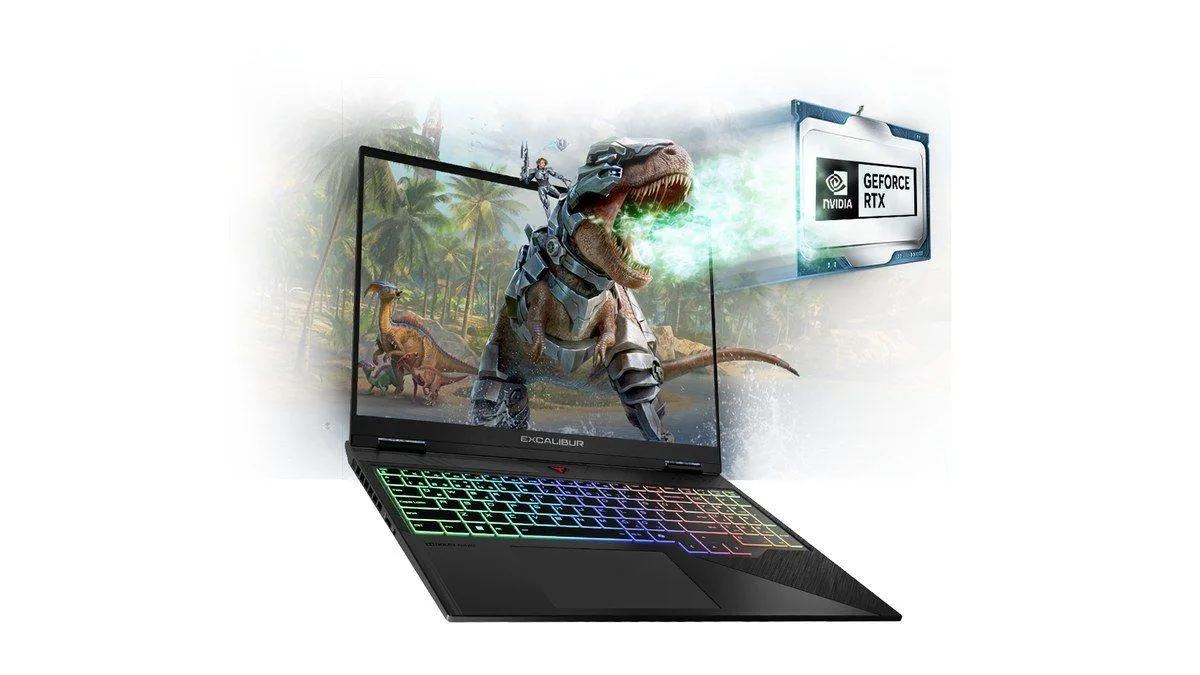
The 14th Gen processor brings 24 cores and a 5.8 GHz clock to current games; Casper says this hardware meets the demands of modern titles. On the graphics side, Dynamic Boost 2.0 kicks in and pushes the TDP into the 140 W or 175 W band depending on the model.
| GPU | Memory | TDP (including Dynamic Boost 2.0) |
|---|---|---|
| NVIDIA GeForce RTX 5090 | 24 GB GDDR7 | 175 W |
| NVIDIA GeForce RTX 5080 | 16 GB GDDR7 | 175 W |
| NVIDIA GeForce RTX 5070 Ti | 12 GB GDDR7 | 140 W |
What DLSS 4 and the MUX Switch do
All three GPU options are Blackwell-based and support DLSS 4. DLSS 4 upscales frames computed at lower resolution using AI, lifting frame rates. The MUX Switch mechanism enables fast switching between the integrated and discrete GPU: with the discrete card selected, you get strong graphics in high-resolution games; with the integrated card, better energy economy.
So how many FPS do AAA titles deliver?
Casper hasn't published a per-model FPS list, so we can't claim “game X runs at Y frames.” Those wanting to see performance can turn to reviews on the product page: Mert Bayantemur's video is titled “En ağır oyunlarda bile +200 FPS veren laptop: G920” (a laptop delivering +200 FPS even in the heaviest games), and ShiftDelete has also put the machine through its paces.
Does the 300 Hz QHD panel deliver for gaming?
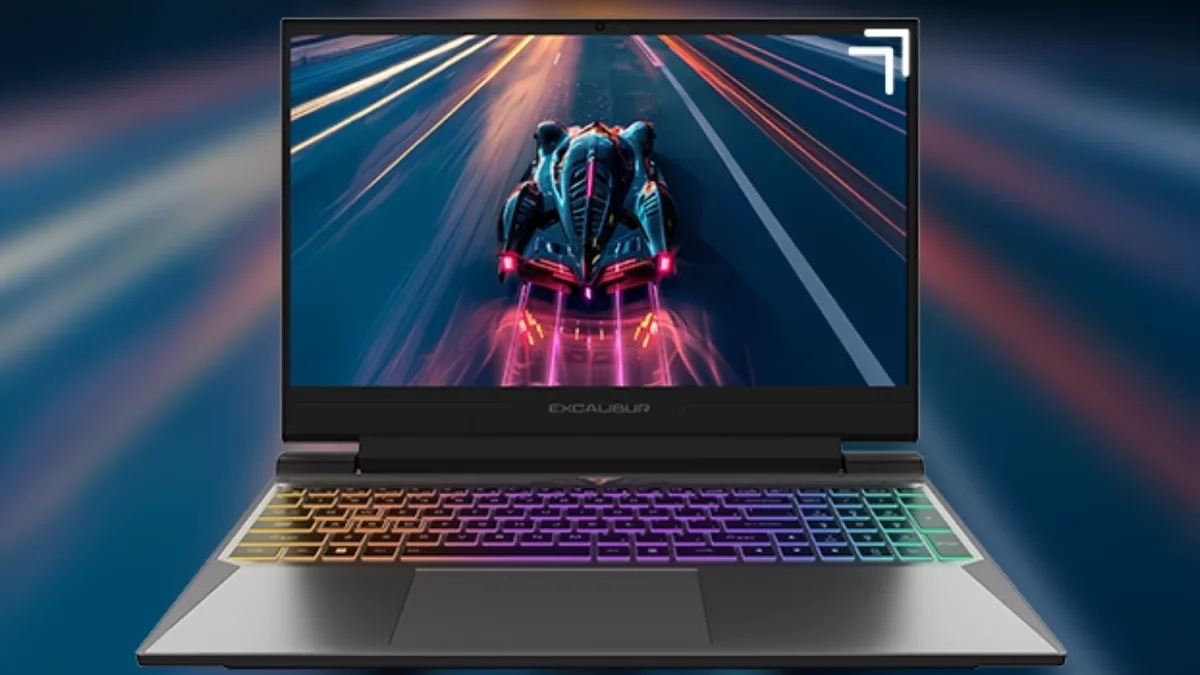
The panel is 16 inches, 2560x1600 resolution and IPS-based. A 300 Hz refresh rate with 3 ms response time keeps fast scenes smooth in competitive titles. 500 nits brightness and 100% DCI-P3 color gamut also make it look vivid for video editing alongside gaming.
- Eye health: Anti Flickering and Low Blue Light features are built into the panel to reduce fatigue during long sessions.
- Screen count: The machine can drive 3 screens simultaneously: the built-in panel plus two external monitors; in hybrid mode, the Type-C port takes on a DisplayPort function.
- Enabling 300 Hz: On units shipped with FreeDOS, this mode must be selected manually in the display settings.
Thermal management: the FrostFlux system
On the cooling side, a turbo thermal architecture combines two 12V FrostFlux components with four air outlets. According to Casper, this setup suppresses heat under heavy load and keeps performance high; the fans stay below the 52 dB threshold. In the Excalibur family, the CPU and GPU are cooled independently, and copper heat pipes carry heat outward. The absence of performance drops during long sessions is attributed to this arrangement.
What does Excalibur Control Center offer?
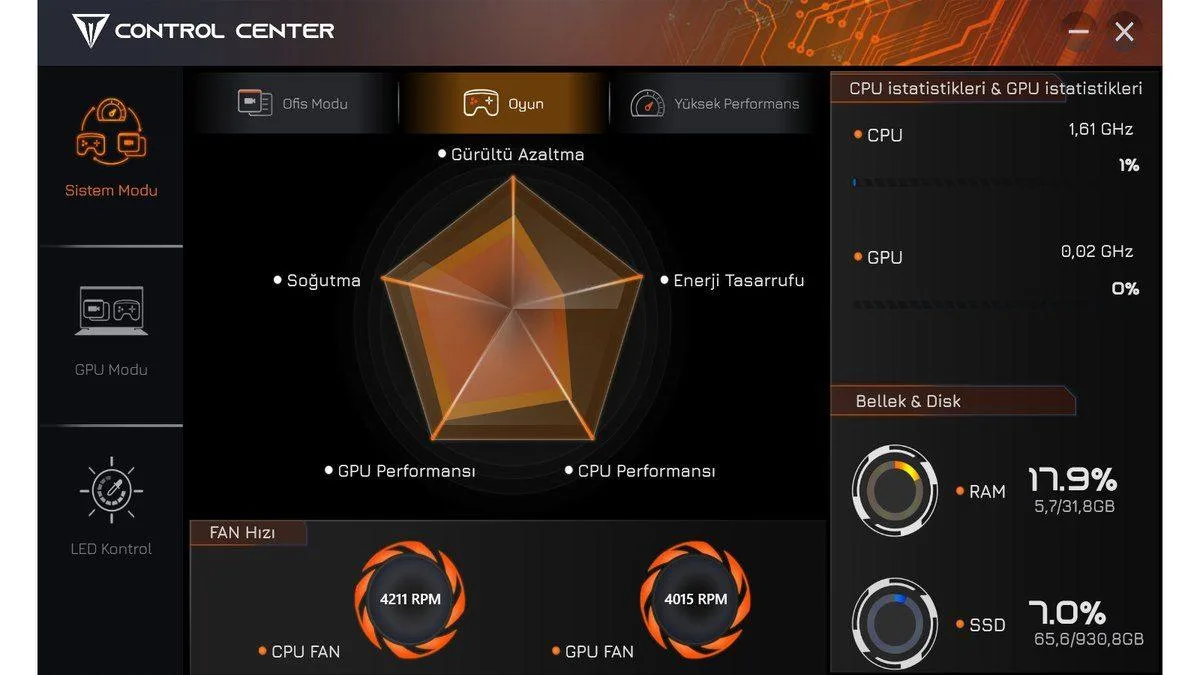
Through this software, a performance profile can be selected based on how demanding the game is; when needed, cooling shifts to a more aggressive mode within seconds. The RGB keyboard is managed from the same panel: 3-zone lighting with 65.026 different color options.
Memory, storage and I/O
The configuration can be chosen at purchase and expanded later. Two DDR5 slots take memory from 16 GB up to 64 GB, while two M.2 NVMe PCIe 4.0 slots lift storage from 500 GB to 4 TB. Casper notes the RTX 50 family can also be used for video editing and 3D design beyond gaming.
| Interface | Excalibur G920 |
|---|---|
| Wireless | Intel Wi-Fi 7 (BE202), Bluetooth 5.4 |
| USB | 3x USB 3.2 Type-A (Gen1), 1x USB 3.2 Type-C |
| Display | 1x HDMI |
| Wired network | 1x Ethernet (RJ45) |
| Audio | 2W x 2 stereo speakers, Dolby Audio |
| Camera | 1080p |
PC Game Pass bonus and after-sales support

A 1-month PC Game Pass subscription comes in the box. The service, which offers access to more than 100 games via a monthly membership model, can be set up on Excalibur notebooks in a few steps.
Warranty terms and service network
The warranty is valid for 24 months from the invoice date. Casper's website lists 1-hour service, Jet service and Turbo service options. The Excalibur-exclusive Lifetime Performance Maintenance package also stands out: the first maintenance is free, while service and shipping fees apply to later visits. Maintenance is carried out at regional service centers in Istanbul, Ankara, Izmir, Adana, Bursa, Antalya, Eskisehir and Konya.
Quick Q&A
Which GPU options are available?
Three choices: RTX 5070 Ti (12 GB), RTX 5080 (16 GB) and RTX 5090 (24 GB). All three carry GDDR7 memory and support DLSS 4.
How many simultaneous displays are supported?
3 screens in total: the built-in panel plus two external monitors. In hybrid mode, Type-C takes on the DisplayPort role; there's also one HDMI port.
Can memory and storage be upgraded later?
Yes. Two DDR5 slots (up to 64 GB) and two M.2 NVMe PCIe 4.0 slots are present. Casper recommends having the work done at an authorized service center; if you do it yourself, the warranty remains valid as long as the device isn't damaged, but newly added parts fall outside the company's coverage.
How long is the warranty?
2 years starting from the purchase date on the invoice. The lifetime performance maintenance service is also exclusive to Excalibur models; the first maintenance is free of charge.
Who should look elsewhere
- Those prioritizing mobility: The machine weighs 2.5 kg and its peak power only appears when plugged in. If unplugged runtime is your first criterion, this model may not satisfy you.
- Noise-sensitive users: According to Casper's own description, Excalibur fans are larger and many-bladed; at higher speeds they can be somewhat louder than other notebooks.
- Tight budgets: G920 configurations on the site are priced above the 200,000 TL threshold (prices in Turkey); the device sits in the upper-premium segment.
Verdict
The Excalibur G920 targets gamers who set up at a desk, plug in and chase maximum frame rates. The highlights in brief:
- 63.05 Whr battery, 330 W adapter, USB-C charging up to 100W
- Intel Core i9-14900HX; RTX 5090 / RTX 5080 reaching 175 W or a 140 W RTX 5070 Ti
- 16-inch QHD, 300 Hz, 3 ms, 100% DCI-P3 panel with 3-screen support
- 12V FrostFlux cooling with Excalibur Control Center
- Up to 64 GB RAM, up to 4 TB storage, Wi-Fi 7
- 1-month PC Game Pass and 24-month warranty
For those seeking a high refresh rate, a powerful GPU and editing or 3D design capability on the side, the G920 earns a spot on the shortlist.

Comments (0)
No comments yet. Be the first!