

Safari users who rely on the browser's autofill feature to speed up online shopping have been running into a puzzling problem: their saved card details look perfectly correct, yet the bank declines the payment. The culprit, it turns out, is that Safari is transferring the card's expiry month into the payment form one month behind.
The strange part is that when you open Safari's settings, the stored card information appears entirely accurate. The error only occurs when that data is passed into the payment form. The glitch has been reported intermittently for years, and it has resurfaced in recent days — partly because it is so hard to pin down.
A UTC clash may be behind the bug
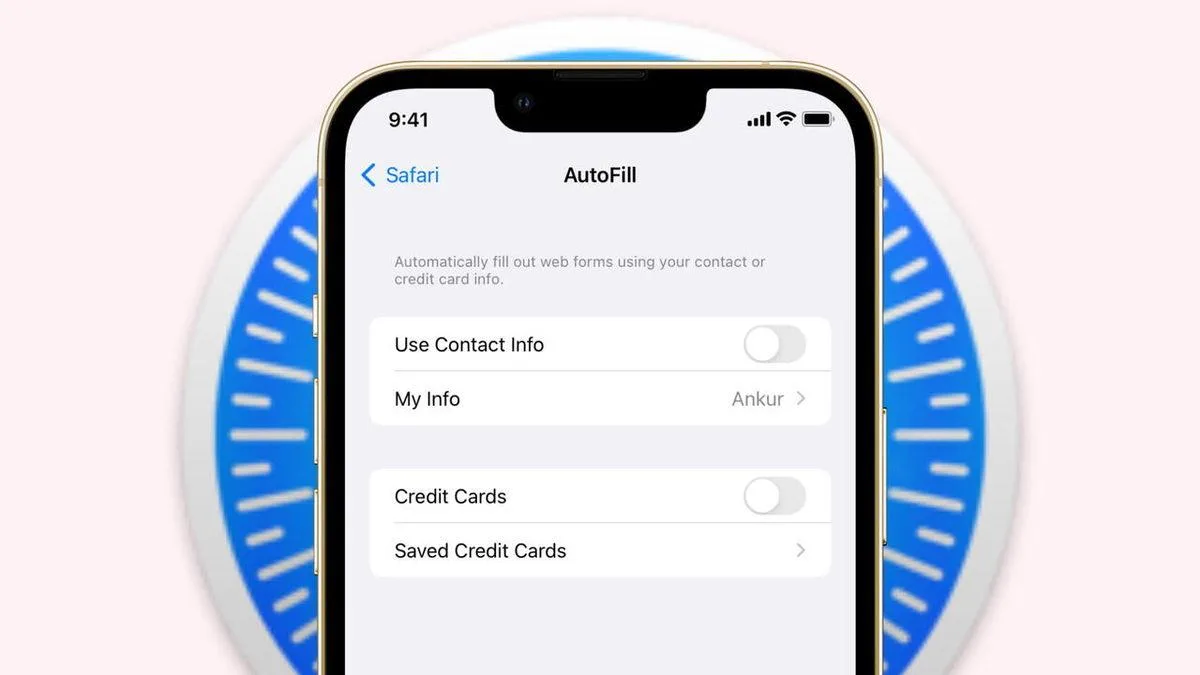
According to speculation, the problem stems from a software conflict in how Safari handles date and time zone calculations using UTC as a reference. When the time zone changes, or on UTC-based systems, the browser can miscalculate the expiry month. The result: while the card itself says December, the payment form may receive November.
What to do before completing a payment
Until an official fix arrives, the safest approach is to review the autofilled details before confirming any payment. In particular, always double-check the expiry month — the fact that the information saved in the browser is correct does not guarantee it was transferred correctly into the form.
If your payments are being declined for no visible reason, you can try clearing the browser cache and then deleting and re-adding your saved card details. These steps may help you get around the problem, at least temporarily.






Comments (0)
No comments yet. Be the first!