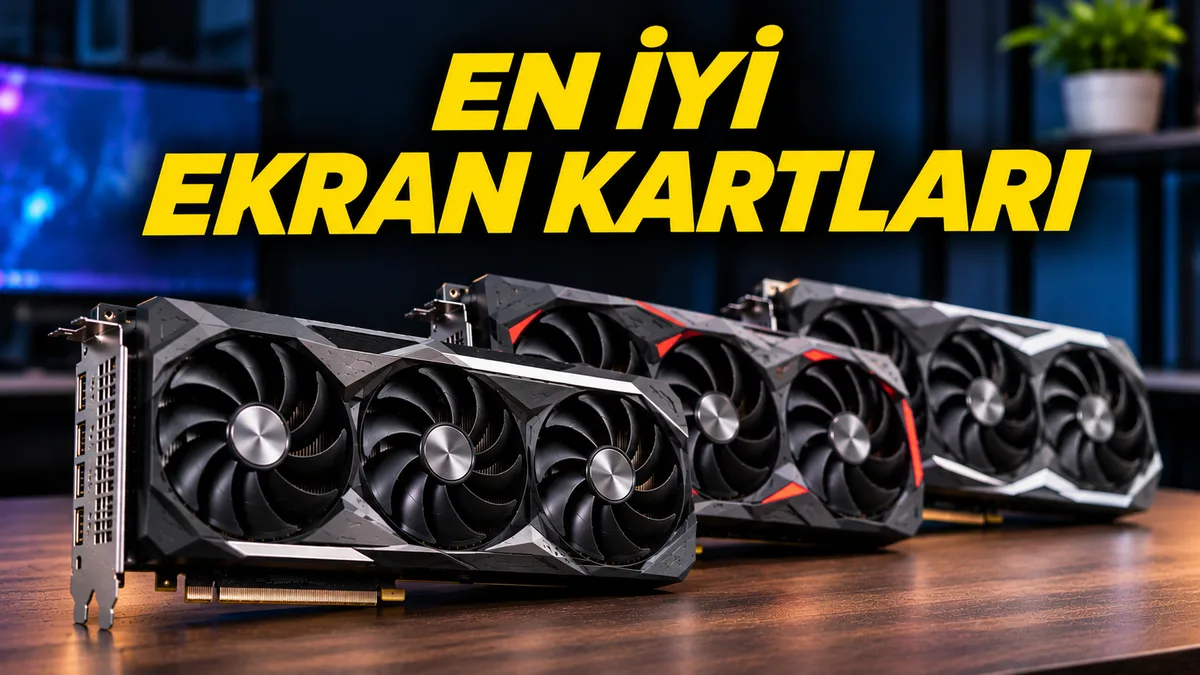

Two graphics cards carrying the exact same GPU chip can behave completely differently in the real world — in temperatures, noise levels, power draw, factory clock speeds and warranty terms. That's why shopping for a graphics card in 2026 means evaluating two separate things: the GPU developers (NVIDIA, AMD and Intel) and the board partners that actually build the cards (ASUS, MSI, Gigabyte, Zotac, Sapphire and others).
This guide breaks down the standout brands for 2026, where the three GPU giants diverge, how to read the numbers on a spec sheet, and the details that are easy to overlook at checkout.
What Do the Numbers on the Spec Sheet Actually Mean?
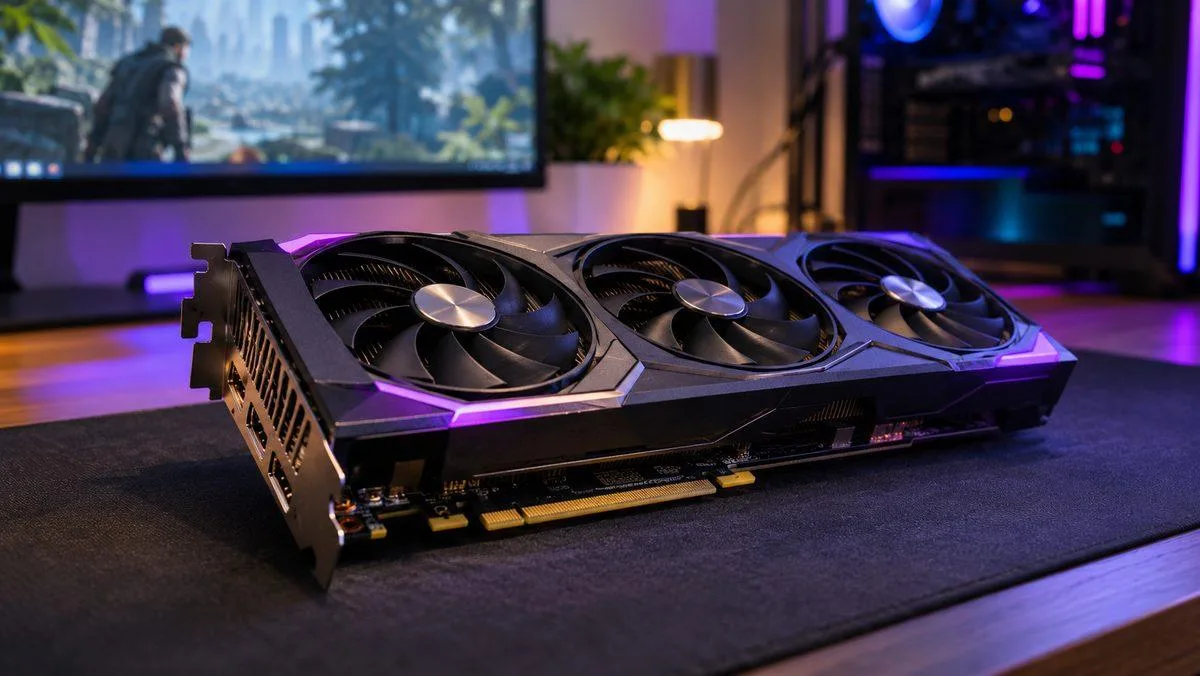
Any graphics card review will throw terms like VRAM, memory bandwidth and TDP at you. Interpreting these three correctly makes it far easier to predict how a card will perform in practice.
How Much VRAM Is Enough for Gaming?
VRAM is the memory where graphics data is held temporarily. Detailed textures, shadows and lighting effects in games all live there. Today, 8 GB is still considered sufficient for most games at 1080p — but high-resolution texture packs, ray tracing and the growing memory appetite of new titles keep pushing against that limit.
In short: 8 GB of VRAM suits 1080p gaming, everyday work and medium graphics settings, while 16 GB of VRAM gives you headroom for high-resolution textures, 1440p and some 4K scenarios.
When Does Bandwidth Matter?
Bandwidth is the amount of data that can be transferred per second between the VRAM and the GPU. The higher it is, the more pixels and data the card can process — especially when gaming at high resolutions or running heavy graphics workloads.
How Does TDP Affect Your PSU Choice?
TDP describes a card's thermal design power — essentially the heat load its cooling system is expected to handle. It doesn't always match real-world gaming consumption or peak power draw, though. When choosing a power supply, factor in the card's recommended PSU rating, your CPU's consumption and the rest of your components together.
| Graphics card segment | Approx. card power draw | PSU to consider |
|---|---|---|
| Entry level | 75-150 W | 450-550 W |
| Mainstream | 150-250 W | 550-650 W |
| Upper mainstream | 250-320 W | 650-750 W |
| High end | 320-450 W | 750-850 W |
| Flagship | 450 W and above | 850-1000 W and above |
The GPU Giants Face Off: NVIDIA, AMD, Intel
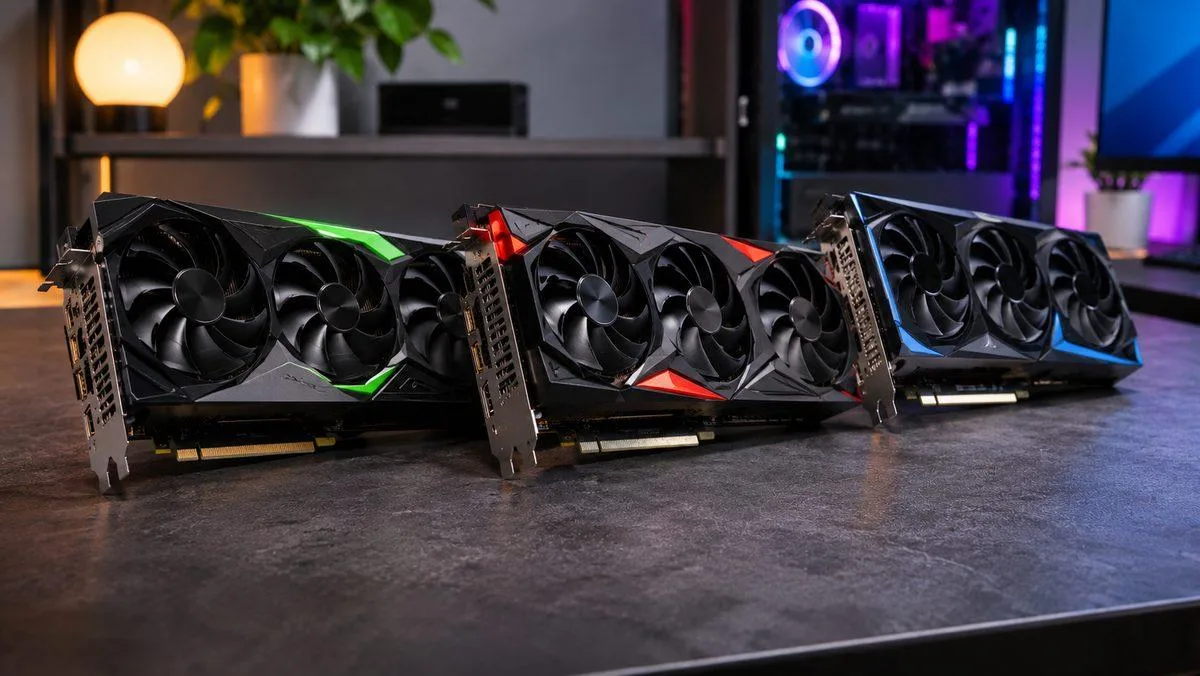
These three companies form the backbone of the market — but the differences go beyond raw performance. Software ecosystems, driver stability and pricing strategies all shape the decision.
GeForce RTX or Radeon RX — Who Is Each For?
NVIDIA's GeForce RTX family stands out for ray tracing performance, AI-powered image enhancement and compatibility with video editing and 3D design software. The RTX 50 series, built on the Blackwell architecture, sharpens that edge further with DLSS 4 and multi-frame generation. AMD's Radeon RX line, meanwhile, is the gamers' favorite for raw horsepower and price-to-performance; the RDNA 4-based RX 9000 series delivers strong upscaling and frame generation results via FSR.
Who Is Intel Arc Aimed At?
Intel has managed to build a serious alternative to the big two with its Arc series. The Arc B series targets anyone who wants to run current games without straining their budget. AV1 encoding support and XeSS technology are the brand's strongest cards to play. Still, Intel is a younger player in the market, so it's worth researching the current driver status of any model you're considering and its compatibility with the games you play.
You might give Intel Arc a chance if:
- You're building a current-gen gaming PC on a tight budget
- You need AV1 video encoding for streaming or editing
- You want a smooth experience in current games at reasonable settings
- You want to try something beyond the classic NVIDIA-AMD duopoly
How Do DLSS, FSR and XeSS Work?
Upscaling technologies render the game internally at a lower resolution, then use AI or dedicated algorithms to bring it up to the display's native resolution. It's the most practical way to raise FPS with almost no sacrifice in image quality.
| Technology | Developer | Key feature |
|---|---|---|
| DLSS | NVIDIA | AI-powered image upscaling and frame generation |
| FSR | AMD | Image upscaling and frame generation usable across different hardware |
| XeSS | Intel | Image upscaling running on AI and XMX hardware support |
The Board Partners' Cooling Arms Race
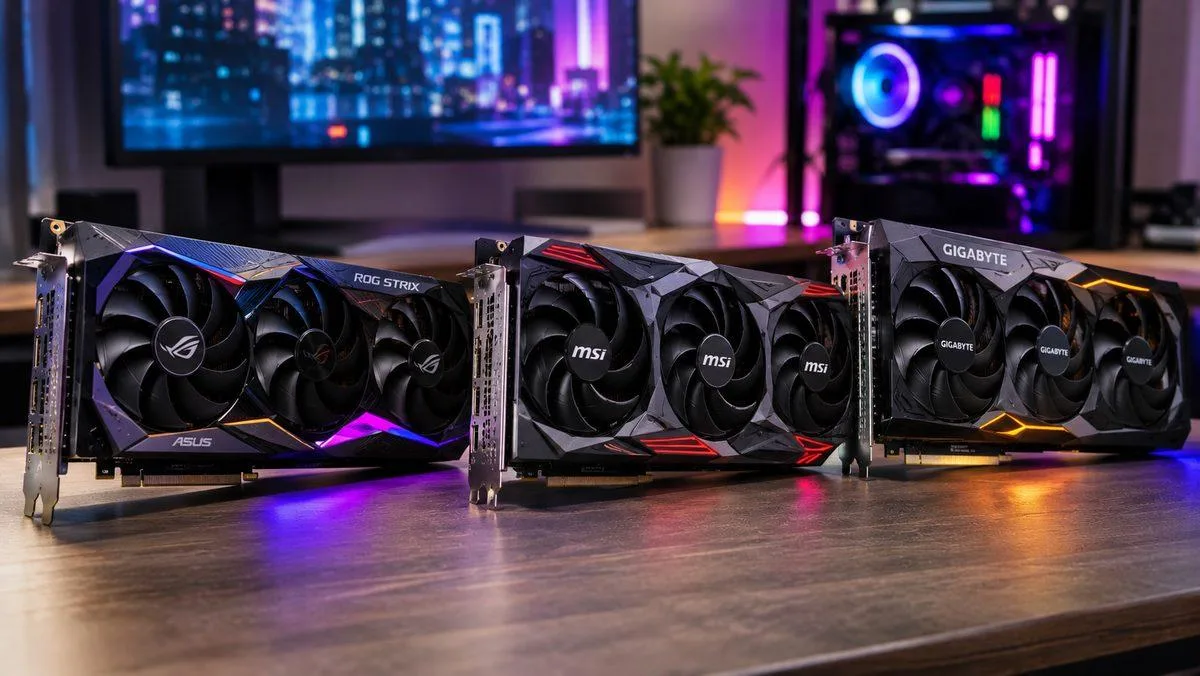
NVIDIA and AMD design the chips, but it's usually ASUS, MSI or Gigabyte that puts them in the box. These three take the GPUs they're supplied with and pair them with their own cooler blocks, PCB designs and fan architectures. Naturally, two cards with the same chip can show noticeably different temperatures and noise levels.
ASUS: ROG Strix or TUF?
The ROG Strix family targets the top end: massive coolers, high factory clock speeds, flashy RGB lighting and extra fan headers are the series' signature traits. TUF Gaming drops the showmanship and focuses on durability and value; for those who want similar cooling and gaming performance without ROG Strix money, it's usually the smarter pick.
MSI: Gaming X vs Ventus
The Gaming X series draws attention with its quiet fans, understated design and cool operation. Ventus follows a plain, RGB-free, budget-oriented path. Whichever you choose, measure your case's interior clearance with a tape measure first — triple-fan models can be so long and thick that fitting them into compact cases becomes nearly impossible.
Gigabyte: Aorus vs Eagle
Aorus plays at the top like ROG Strix does: thick cooler blocks, advanced fan layouts and, on most models, a dual-BIOS switch. The Eagle series takes a simpler, more affordable route at the entry and mid-range. Keep in mind, though: sharing a series name doesn't guarantee identical cooling performance. The GPU's power draw and the thickness of the cooler directly affect temperatures.
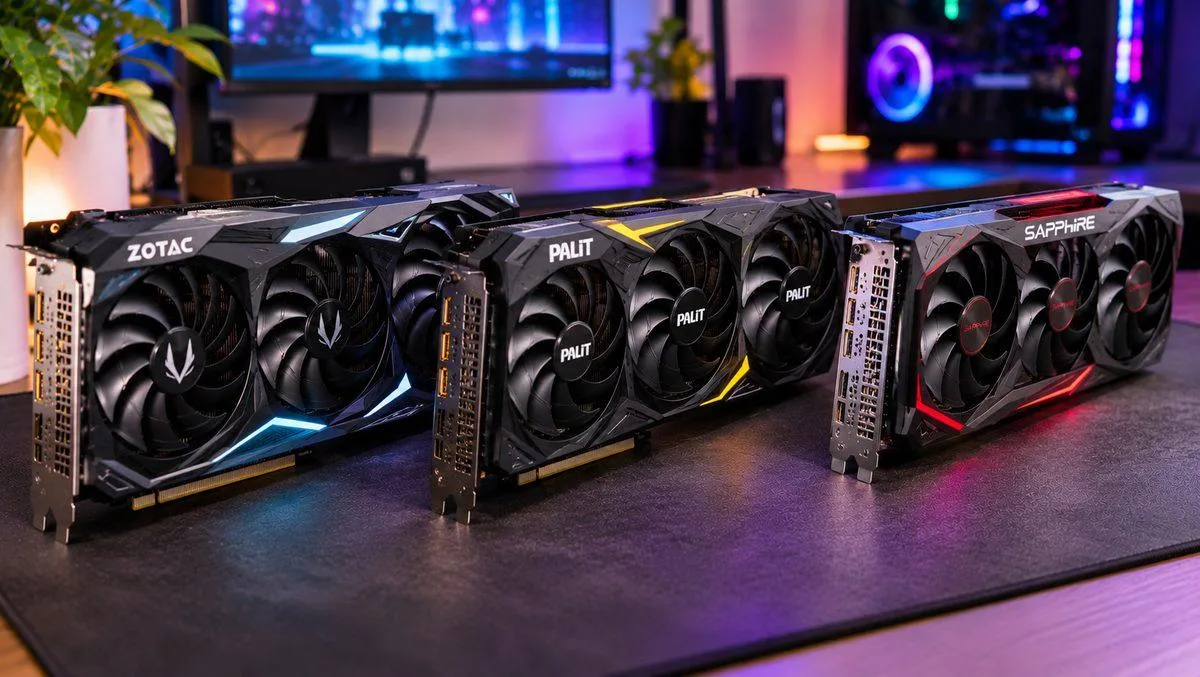
The Other Names in the Market: Zotac, Palit, Sapphire, PowerColor
The market isn't just three brands. Companies like Zotac, Palit, Sapphire and PowerColor often deliver impressive products at far more competitive prices. Anyone thinking of going Team Red should definitely look at Sapphire and PowerColor models.
Where Do Zotac and Palit Sit on Price?
These two are strong NVIDIA partners. When the big brands' flagship models are out of budget reach, they let you get the same GPU performance for considerably less. On the Zotac side, the Gaming and AMP series stand out, while Palit draws attention with the Dual, GamingPro and the surprisingly well-cooled GameRock.
How Do Sapphire and PowerColor Differ?
In the Radeon world, Sapphire is practically a fixture: the budget-friendly Pulse series covers the entry level, while Nitro+ plays at the top for cooling and build quality. PowerColor's Fighter, Hellhound and Red Devil lines give Radeon users plenty of options too; Red Devil models are regarded as among the best Radeon cards in both design and operation.
Pay Attention to Warranty and Service
When choosing one of these brands, it's essential to scrutinize the distributor and service network — in Turkey, for example, this matters as much as the product itself. Before buying, check whether the card carries an importer warranty or an official distributor warranty; a small price difference can save you a major headache if something fails.
What Does the 2026 Price Landscape Look Like?
This year, prices fluctuate noticeably depending on GPU architecture, VRAM capacity, cooler design and a seller's stock situation. Between the cheapest and most expensive models using the same chip, the gap can amount to nearly the price of an entire tier-higher card.
What Should You Pay for 1080p?
There's no need to blow your budget for Full HD gaming; current entry- and mid-range RTX, Radeon RX or Intel Arc models are more than enough at this resolution. If you mostly play competitive esports titles, putting some of your money toward a strong CPU and a high-refresh monitor will buy you far more fluidity than spending it all on the GPU.
How to Cross the 1440p and 4K Threshold?
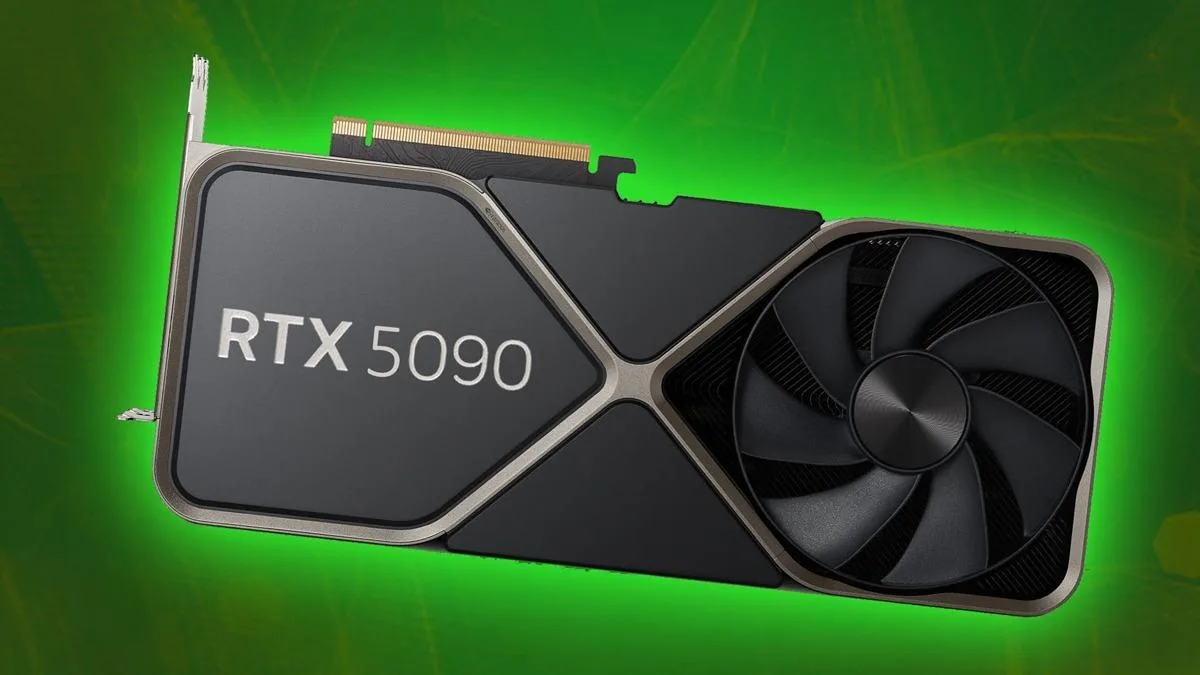
Moving up to 1440p raises both horsepower and VRAM demands; here the RTX 5070, RTX 5070 Ti and Radeon RX 9070 XT stand out. 4K is where budgets stretch the most: monsters like the RTX 5080 and RTX 5090 go head-to-head with AMD's strongest Radeon models. If you're chasing high FPS, you'll need to rely not just on the card's raw power but also on games' DLSS or FSR support.
New or Refurbished?
New cards come with peace of mind: you're the first to open the box and you get a full warranty. Second-hand or refurbished cards are budget-friendly but demand caution — especially cards previously used for heavy mining may have worn-out fans or dried-out thermal pads. If you buy one, always ask for stress test results and check memory temperatures.
Notes from the Field: What Users Say
However impressive the spec tables look on paper, a card's true character can only be learned from people who installed it in their case and used it for months.
Which Series Get the Silence Praise?
The ASUS ROG Strix, MSI Gaming X and Gigabyte Aorus series top users' lists for cool and quiet operation. Still, slapping an "quietest" label on a brand is misleading; while one model from a brand whispers, another entry-level model from the same brand can get noticeably loud under load. That's why looking at independent reviews of the specific model you're buying is the healthiest approach — brand alone won't tell you.
Zero RPM and Coil Whine: Two Much-Discussed Details
Most modern cards feature a "Zero RPM" mode: during light tasks or web browsing, the fans stop completely and the case goes silent. In user comments, how smoothly this feature works and whether there's any "coil whine" under load are among the most debated topics.
What Should You Know for Longevity?
The common secret of cards that run trouble-free for 3-4 years is regular maintenance and good case airflow. In a stuffy case with clogged dust filters, even the most expensive card will eventually start sweating and dropping clocks. Periodic dust cleaning with compressed air significantly extends a card's life.
Frequently Asked Questions
NVIDIA or AMD?
If ray tracing, DLSS quality and editing/AI work are your priorities, NVIDIA GeForce RTX is the right address. If you want the most raw gaming performance and generous VRAM for your money, the AMD Radeon RX series will put a smile on your face.
How often should you upgrade your graphics card?
If the games you play still run smoothly at your desired resolution and settings, there's no need to change anything. When you start having to lower settings, that's your signal it's time to upgrade.
How many watts do you need for a graphics card?
It depends entirely on the system you're building. A quality 450-550 W unit is enough for an entry-level card, while top-tier builds may require stepping up to the 750-1000 W range.
What temperature should a graphics card run at?
Between 60-80 degrees during gaming is perfectly normal for most cards. Seeing 80-85 degrees under heavy load on very powerful models is also no cause for panic. Just don't confuse overall GPU temperature with the hotspot value. If your card constantly exceeds 85 degrees and drops clocks, it's worth reviewing your case's airflow.

Comments (0)
No comments yet. Be the first!